13 September 2026 · The Rosco Team
How to write meeting minutes as an architect — the system we built from the ground up
A practical, Australian-specific guide to structuring architectural meeting minutes — item numbering, agendas, hold points, and what's actually expected of you professionally — plus the free template we built it from.
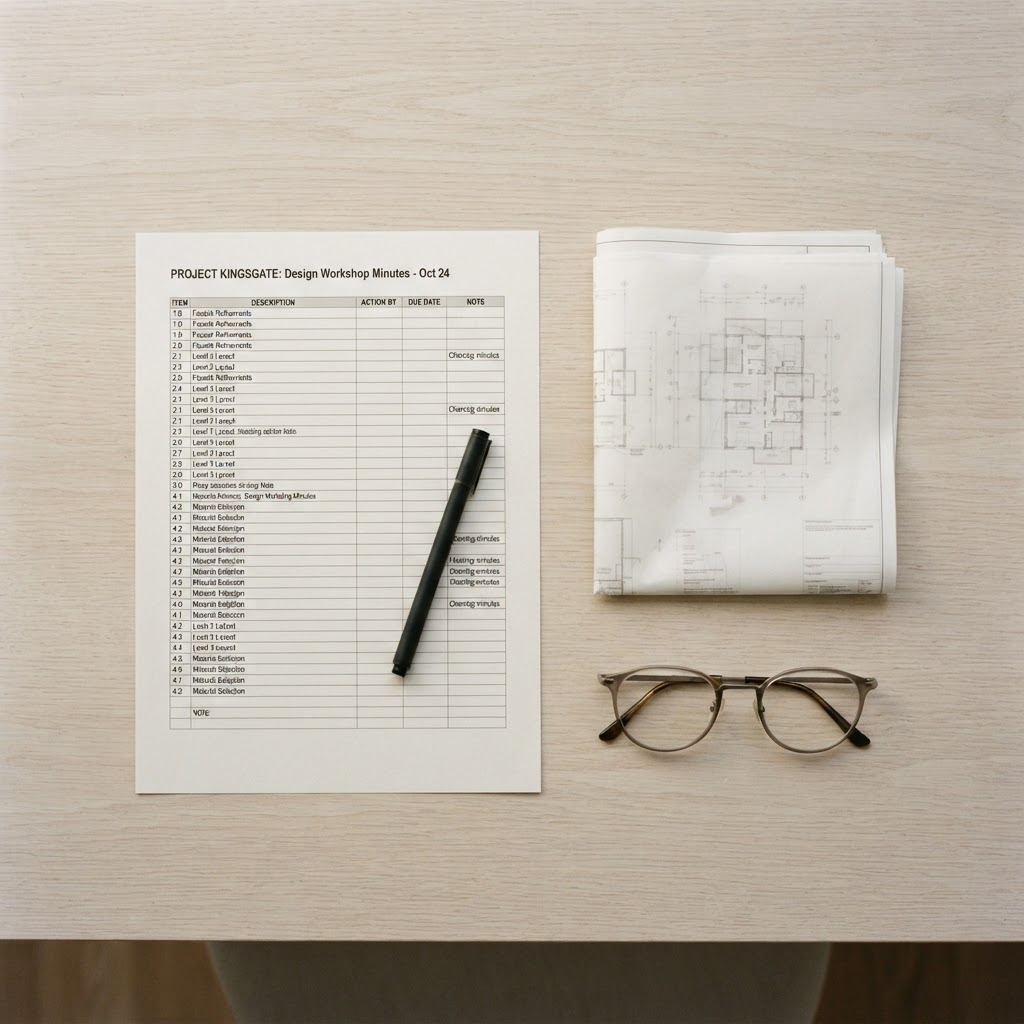
From the Rosco journal — what running a small studio teaches you about practice management.
Free DOCX — yours to customise with your logo, colours and layout.
When we started our own practice, we didn't have a meeting minutes template. We had other people's templates — pieced together from past employers, consultants, whatever a builder happened to send through first. None of them agreed with each other. One tracked hold points obsessively and said nothing about budget. Another opened with cost and buried the program discussion three pages in. None of them made it obvious what was actually expected of us as the architect issuing the record.
So we did what you'd expect: we pulled together a small library of meeting minutes from practices we respected, laid them side by side, and worked out what was consistent, what wasn't, and — more importantly — what we were actually obliged to include. What follows is that system, and it's the same structure built into Rosco's meeting minutes today.
Two ways to structure the body of your minutes
There's no single correct format, but almost every set of minutes falls into one of two structures:
By trade. You work through everything to do with one trade — plasterboard, then painting, then joinery — before moving to the next. This is the natural fit for site meetings, where you're asking a builder directly: what did you do last week, what's planned for next week, and how does that compare to what was promised at the last meeting? It keeps trades accountable against their own commitments over time, and makes it easy to check actual progress against the program.
By location. You work through the project room by room — living room, then bedrooms, then bathrooms — rather than jumping between trades that happen to be active in multiple places at once. Some practices find this easier to run because you're not mentally context-switching between painting in the living room and painting in a bedroom three items apart. It tends to suit design-development and construction-phase meetings where multiple trades are touching the same space concurrently.
Neither is more "correct" — pick whichever matches how the meeting actually runs, and stay consistent so attendees know what to expect meeting to meeting.
The item numbering system — and why it matters more than it seems
Every item in your minutes should carry a persistent reference number, and that number should follow the item across meetings — not reset each week. This sounds like a small administrative detail, but it's the difference between minutes that are usable in a dispute and minutes that are just a diary.
If a variation is first raised as item 4.3 in week six, and it's still unresolved in week eleven, it should still be item 4.3 — not a new item with a new number. That continuity is what lets you write "per item 4.3, raised 12 August, outstanding" in a follow-up email or a progress claim, and have everyone immediately know exactly what you're referring to, without digging through six weeks of PDFs.
Hold points: the items that don't go away
Hold points deserve their own category, separate from the general run of design and trade items. A hold point is something that cannot proceed until a specific condition is met — a sample approved, a certificate provided, an inspection signed off. Unlike most items, a hold point should stay visibly present in your minutes, meeting after meeting, until it's formally closed out. It functions as a standing reminder — for you, the builder, and the client — that work is not to proceed past that point until the evidence is in hand.
Running the agenda properly
Minutes are only as good as the meeting they record, and the meeting is only as useful as the agenda that structures it. A good agenda, circulated ahead of time, does three things: it tells attendees what will be discussed so they can come prepared, it keeps the meeting from drifting, and it gives you the skeleton your minutes will follow once the meeting is done. If your agenda and your minutes have the same structure, writing the minutes becomes largely a matter of filling in what was decided against what was already listed to be discussed.
It's worth splitting agenda items into two categories before the meeting starts. Items requiring a decision should be prioritised and discussed first, with any background material circulated in advance so nobody's making a call without the full picture. Items for information only — reports, updates, correspondence that doesn't need debate — can wait until later in the meeting, and shouldn't need to be read out loud if they've already gone out with the agenda. Keeping these separate stops important decisions getting rushed at the end of a meeting that's run long on things that didn't need discussion at all.
One more discipline worth holding onto: minutes are a record of events, decisions, and actions — not a transcript. It's tempting, especially early on, to write down more of the conversation than you need. The value of minutes comes from clarity, not completeness.
Budget goes near the end — deliberately
It's tempting to open with cost, especially when there's pressure to resolve a variation. In practice, it works better to leave budget until later in the meeting, after program and design items have been discussed. There are two reasons for this. First, budget discussions on most projects — especially in a market where costs have been under sustained pressure — skew toward bad news more often than good. Putting that at the start colours the tone of everything that follows. Second, by the time you reach budget, attendees have already seen the progress and resolved the design questions — they're in a better frame of mind to engage constructively with a cost conversation, rather than sitting through the rest of the meeting distracted by it.
Close every set of minutes with the date of the next meeting. It's a small habit that keeps the whole meeting cadence on track and gives everyone a shared deadline to work back from.
Attendees, distribution, and initials — the parts that are easy to skip and expensive to miss
Two things should appear on every set of minutes without exception: who attended, and who the minutes were issued to. This isn't a formality — distribution is part of how minutes function as a contractual record. If a decision was made and the relevant party never received the minutes recording it, you've weakened your own record of that decision ever being communicated.
When you record decisions or comments in the body of the minutes, attribute them using attendee initials in brackets — for example, noting that "(AB) approved sample two of the render finish" rather than writing it as an unattributed statement. This does two things: it makes clear who has the authority to make a given decision, and it creates an accurate record of who said what if a decision is later disputed or forgotten.
Every item also needs an ATT column — who's responsible for actioning it, and by when. Where nothing needs to happen because the item was simply resolved or noted at the meeting, write "Note" in that column rather than leaving it blank. It's a small habit, but a blank ATT column is ambiguous — did nobody action it, or was it never assigned? "Note" makes that clear at a glance, meeting after meeting.
Minutes should also go out promptly — ideally within a day or two of the meeting, while the discussion is still fresh and before anyone's memory of a decision starts to drift.
What you're actually expected to do — the professional obligation behind this
There isn't a single, publicly available checklist that spells out exactly what must appear in an architect's meeting minutes. But the obligation to keep them properly isn't optional, either — it comes from a few directions at once.
The Australian Institute of Architects' Client Architect Agreement explicitly lists "arrange, attend and record meetings with the Client, consultants and other relevant parties" as a core architectural service — meeting minutes aren't an administrative extra, they're part of what you're contracted to deliver. Beyond the contract itself, an architect's general standard of care and their contract administration role — certifying progress payments, identifying and tracking defects, advising on practical completion — all depend on there being an accurate, contemporaneous record of what was agreed and when. If a dispute ever ends up in front of an adjudicator, a court, or your professional indemnity insurer, your meeting minutes are very often the primary evidence of what was actually decided on site — which is a significant part of why "we didn't write it down properly" is one of the more expensive mistakes a small practice can make.
Industry best practice — echoed consistently across construction and project management standards — reinforces the same baseline: minutes should be detailed enough that someone who wasn't in the room can understand what happened, distributed to the full project team rather than just attendees, and treated as a standing record rather than a disposable note.
Why we built this into Rosco
None of this is complicated in principle. It's easy to stay disciplined about for the first few weeks of a project and much harder to maintain by week thirty, when you're juggling five projects and the minutes are the last thing you write before falling asleep.
That's the problem we built Rosco's meeting minutes around. Every meeting minute in Rosco follows this structure by default — item numbering that persists across meetings, a dedicated hold points section, agendas that become minutes rather than a second document you write from scratch, and attendee/distribution fields that are never optional.
A few things that came directly out of running our own projects this way:
- Completion tracking with a full history. Tick a meeting minute as complete and the record stays exactly as issued — you're never digging through old Word documents or PDFs to work out what was decided on a specific date. The history is just there.
- Turn any item straight into a task. If a responsibility comes up in the meeting — "X to produce Y for the client" — you tick it directly into a task from within the minutes. In practice, this means the meeting minutes function as your live task list while you're on site, not a separate document you reconcile afterward.
- Flag a variation the moment it's raised. If a client requests a change, or a builder flags a latent condition, you tick it straight onto the variation log from inside the minutes — instead of updating three different documents to capture the same event.
Get the template
If you want to start using this structure straight away, we've put together a free meeting minutes template you can download at the top of this article — built exactly to the system described here: persistent item numbering, a dedicated hold points section, agenda-to-minutes continuity, and attendee/distribution fields built in from the start.
The template is a DOCX file, so it's yours to customise — add your logo, adjust the layout, and set it up to match your practice's branding. And because it's built around the same structure Rosco uses internally, it doubles as a branding template inside the platform: once you're set up in Rosco, every meeting minute you export carries your logo, colours and layout automatically, so what a client or builder receives always looks consistent with your practice — no reformatting a generic export by hand.
If you want to see the structure without waiting to build it yourself, download the template above — the same one this article describes, minus the tasks and variation automation that only comes with using Rosco directly.
This is part of an ongoing Rosco journal on what we've learned running a small studio and building practice management software around the way small architecture practices actually work.
This article is general guidance based on our own practice experience and publicly available industry information. It isn't legal, professional, or insurance advice, and doesn't account for your specific contractual obligations or the requirements of your registration body. Practices should confirm their own record-keeping obligations independently before relying on this as a complete standard.